MHA Manager
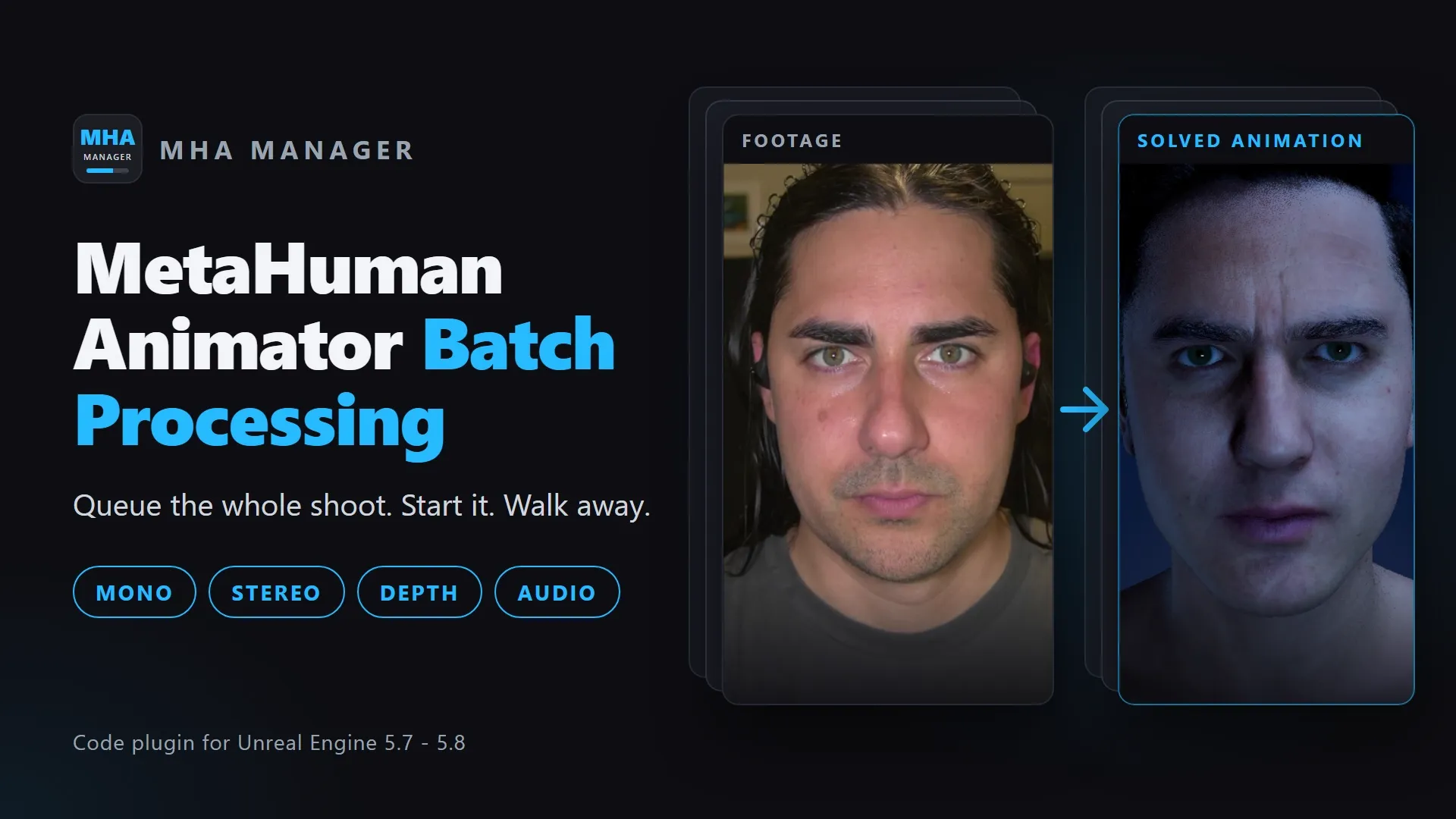
Queue multiple MetaHuman Animator takes, configure per-job solve options, and run the full performance pipeline — tracking, fitting, and export — without touching each take manually.
Features
Batch Job Queue
Add as many takes as you need, drag-to-reorder, validate all jobs at once, and kick off the full pipeline with one click.
Seven Job Types
Mono (single color camera, with UE 5.8 body tracking), Stereo (HMC rigs with automatic depth generation and cleaning), Depth and Other for takes that bring their own depth (Live Link Face on a mobile device, or any depth camera), Audio-driven facial animation, plus Stereo Calibration and Identity Create jobs — all in the same queue.
Non-Destructive Depth Clean-Up
An async hole-filling pass for stereo depth sequences that tells background from genuine gaps in the subject and patches only those — writing a new _Clean copy so the original capture data is never touched.
Expression Limits
Keep an overexpressive performer on model: a per-character profile of floors, knees and ceilings, dialled against a solved take with Sequencer and the face board updating live, then applied to every export of every job for that character. The solve on disk stays raw.
35+ Per-Job Options
Every MetaHuman performance solve parameter exposed at the job level — frame exclusion, head stabilization, depth clamping, tongue solve, mood presets, and more.
Live Progress & Logging
Per-job progress bars, stage-by-stage timing breakdowns, and a live log stream in the UI. Know exactly where every take is in the pipeline.
Auto Asset Discovery
Automatically finds MetaHuman Identity assets and Camera Calibrations under predictable folder structures — less manual asset wiring per job.
Headless / CI Mode
Run batches from the command line with -run=MHAManager. Load a manifest, process, and exit with a machine-readable exit code — pipeline-ready.
Manifest Save / Load
Save entire queues as .mhajson manifests. Share them across machines, reload a session, or feed them directly into the commandlet.
Framing Auto-Categorization
A first-frame pose probe classifies each Mono take as full body, upper body, or headshot and applies the matching solve template automatically — mixed shoots sort themselves. (UE 5.8)
Stereo Calibration Jobs
Point the queue at checkerboard takes to generate Camera Calibration assets in batch — with automatic board-pattern detection and an optional OpenCV calib.json export.
In-Editor Footage Ingest
Point Add Jobs at a folder of raw takes: it classifies stereo, mono, and Live Link Face takes, ingests them with Capture Manager inside the editor, and queues the results. (UE 5.8)
Ingest Auto-Queue
Watches Capture Manager ingest and queues new FootageCaptureData takes as they land — start ingesting on set, come back to a filled queue. (UE 5.7+)
How It Works
Add Jobs to the Queue
Open Tools → MHA Manager. Click Add Job, assign a UFootageCaptureData asset, and choose the job type (Mono, Stereo, or Audio).
Configure Per-Job Options
Use the dynamic column picker to add exactly the solve options you care about. Edit cells inline — frame exclusion, depth cleaning, head stabilization, tongue solve, and more.
Start Batch
Click Start Batch. The plugin validates all jobs, auto-discovers missing assets, generates depth for stereo jobs, and runs each take through the full MetaHuman pipeline.
Collect Your Outputs
AnimSequence and LevelSequence assets land in your configured output path. The manifest records every artifact and its state — complete, partial, or failed.
UI Panels
MHA Manager
Job queue, global settings, column picker, per-job progress bars, and live log output.
Context Menu Actions
Right-click any UFootageCaptureData in the Content Browser to process takes directly — auto-detected or forced Mono/Stereo/Audio, generate a stereo calibration from a checkerboard take, or create a MetaHuman Identity.
Requirements
Engine
- Unreal Engine 5.7 - 5.8
- MetaHuman, CaptureData, and ImgMedia plugins (declared dependencies — enabled automatically)
- MetaHuman Animator Depth Processing plugin from Fab — required by Stereo and Identity Create jobs, and enabled by hand in Edit → Plugins
- Markerless Motion Capture plugin from Fab (body tracking, UE 5.8)
Hardware
- 16 GB RAM minimum
- NVIDIA GPU recommended
- DirectX 12 capable GPU
Installation
- Copy to
YourProject/Plugins/ - Regenerate VS project files
- Build in Development Editor config
- Enable via Edit → Plugins if needed
Ready to batch your takes?
Download the plugin, follow the quick-start guide, and stop processing takes one by one.